
Software / Open-source desktop and command-line utility
CompressMe
CompressMe is a Python image compression tool for processing folders, reviewing duplicates and exporting reports. A PySide6 desktop application and command-line interface share the same batch-processing engine.
01 / THE PROBLEM
Processing a folder consistently.
Processing an image folder one file at a time makes it difficult to keep settings consistent or see which files failed. A repeatable batch workflow also needs to distinguish identical files from visually similar images.
02 / ENGINEERING DECISIONS
One engine, two interfaces.
A Python compression engine supports the PySide6 interface and CLI. Exact hashing and perceptual comparison serve different duplicate-detection tasks. Reports preserve a record of processed files, size changes and failures; optional external encoders extend the available compression paths.
Sharing the compression engine between the desktop interface and CLI keeps the processing rules consistent for interactive and repeatable batch work. Exact hashes answer whether files are identical; perceptual comparison answers a different question about visual similarity. Keeping those paths separate avoids treating every similar image as a duplicate.
03 / IMPLEMENTED SOLUTION
What works.
- Batch processing through GUI and CLI
- Exact and perceptual duplicate detection
- Metadata controls and CSV, JSON or text reports
04 / EVIDENCE & BOUNDARIES
Verified scope.
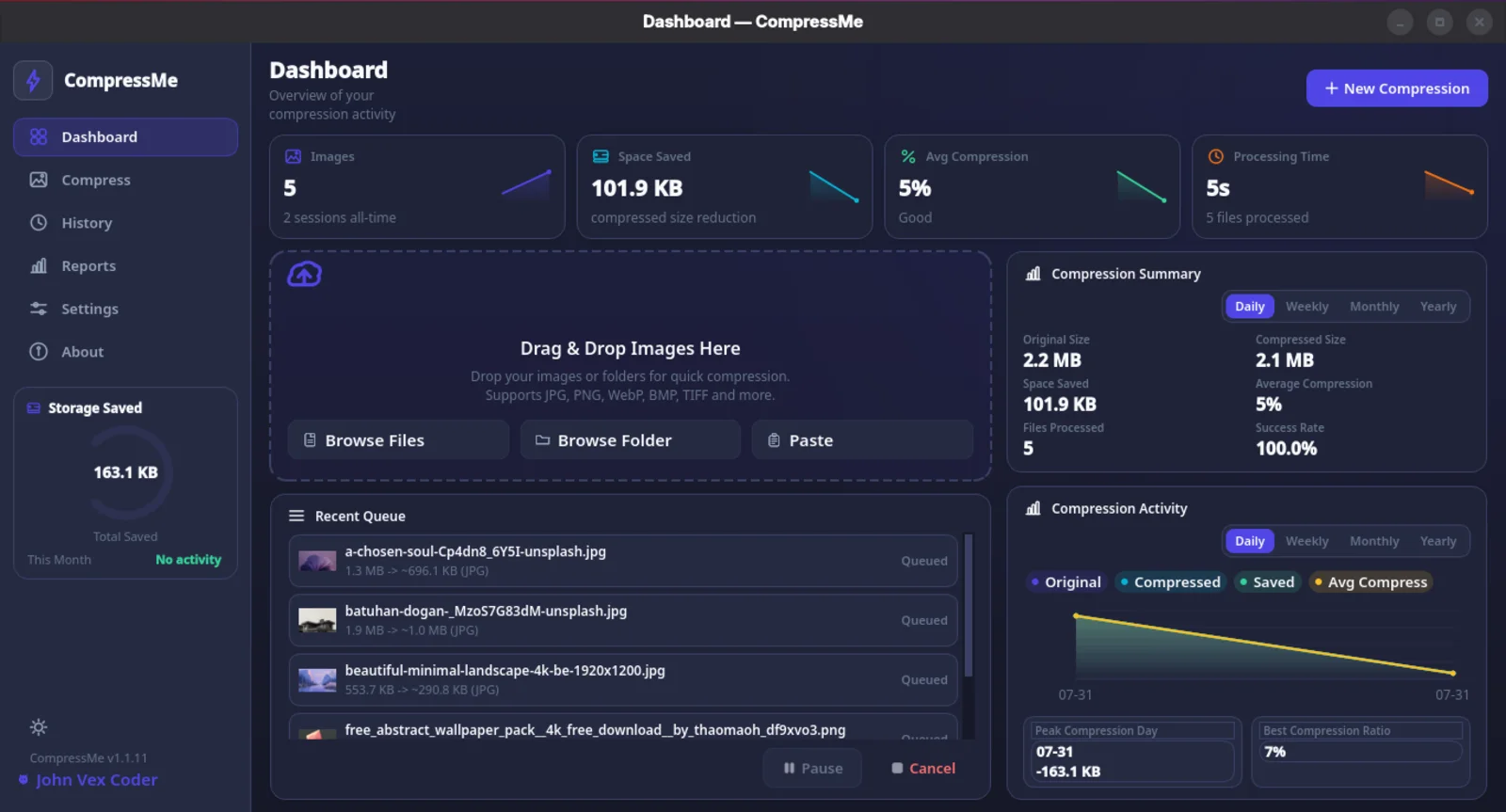
The public source includes the engine and desktop workflow, and the published screenshot shows queue and report presentation. Compression savings depend on the input, output settings and encoder; no universal saving percentage is claimed.
Image formats and external tools have different capabilities. Metadata preservation and lossy compression involve choices that should remain visible to the user.
HAVE SOMETHING IN MIND?
Let’s shape your next build.
Share your audience, content and the workflow you need. We can define the scope together.